Quickstart
A monitor and a domain, both running, in about five minutes.
Pulse and Perimeter are independent: you can use one without the other. This page sets up both so you can see the whole dashboard populated.
1. Create the account
Register at /auth/register. The free plan needs no card and includes 5 monitors and 3 domains. You can verify your email later — creating monitors and domains requires a verified address.
2. Add a Pulse monitor
- Go to Pulse monitors → New monitor.
- Give it a name, an interval in seconds, and a grace period.
- Copy the ping URL it generates. It looks like https://api.pingops.cloud/api/v1/ping/<token> and it is the only credential the job needs.
Ping it once by hand to move it out of the initial state:
curl -i https://api.pingops.cloud/api/v1/ping/<token>

HTTP/2 200
{"ok":true,"monitor":"nightly-backup","status":"healthy","queued":true}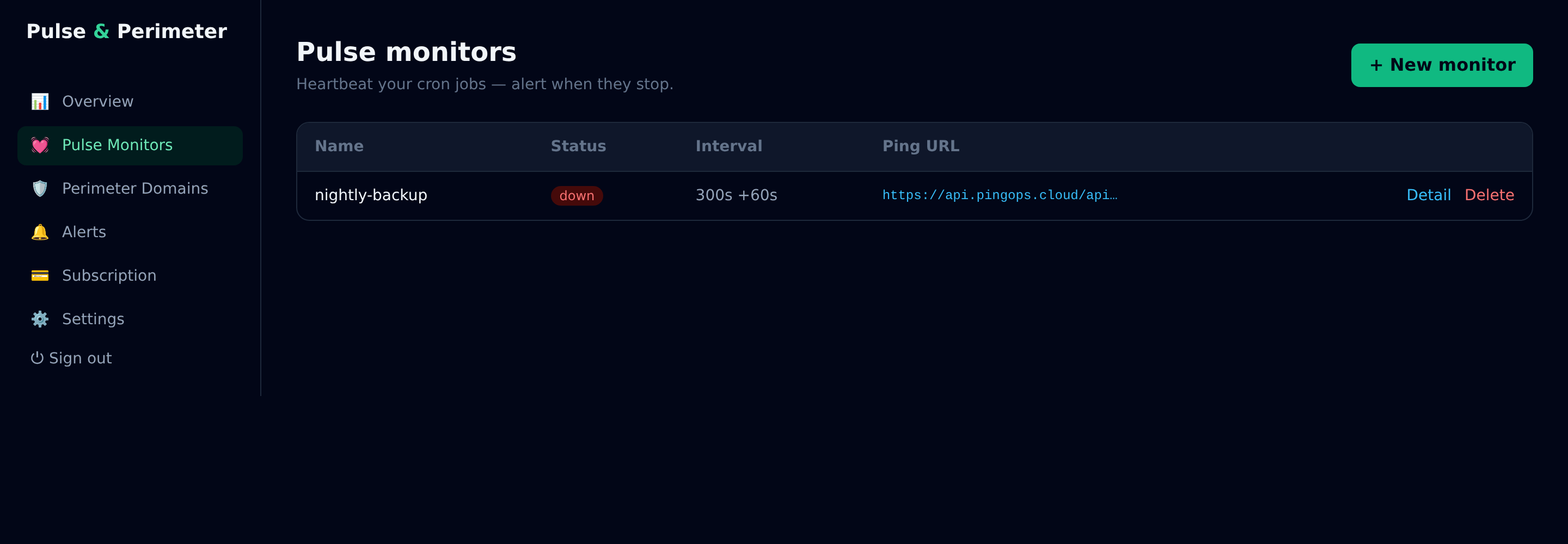
3. Add a Perimeter domain
- Go to Perimeter domains → Add domain.
- Enter the FQDN (example.com, not https://example.com).
- Choose the scan interval and whether to run the SSL audit, the DNS/email audit, or both.
- The first scan starts immediately; results appear in the row's History.
4. Wire the alerts
Alerts go to email by default. Webhooks and Slack are available on paid plans; the webhook payload and its HMAC signature are documented in the Webhooks page.
Something missing? Write to support and it gets added here.