Domain audits (Perimeter)
What each check reads, how findings are graded, and how to act on them.
Perimeter connects to your domain on a schedule and records what a browser, a mail server and a receiving MTA would see. It never writes DNS records for you.
The two audits
SSL / TLS
- Validity window and days remaining, with warnings at 30 and 7 days.
- Subject, SANs, issuer and chain length; the chain-validity flag.
- Negotiated TLS version and cipher suite.
- The failure text of the handshake when the connection cannot be made at all.
DNS and email authentication
- A, MX, TXT, NS, CAA and DNSSEC presence.
- SPF: record count, mechanisms, recursive includes, the 10-lookup budget and the all qualifier.
- DMARC: policy, subdomain policy, pct, rua/ruf, external-reporting authorisation.
- DKIM: a set of common selectors, key type and size.
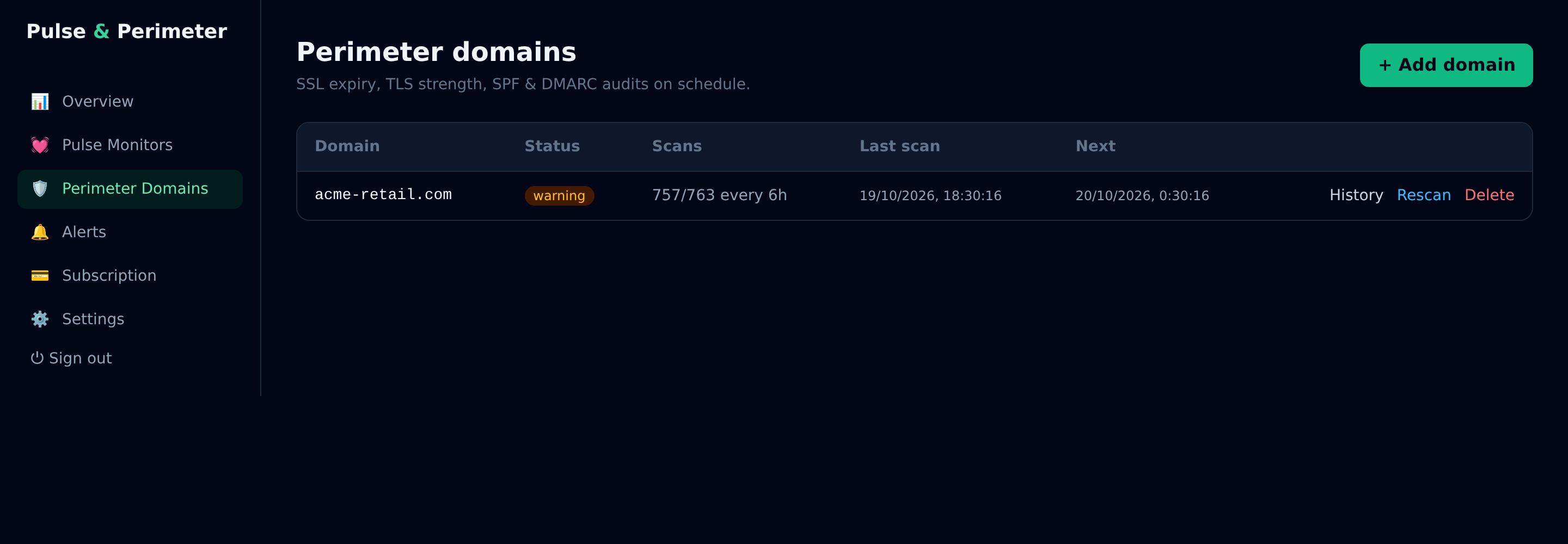
How findings are graded
Each finding carries a code, a severity and a detail string naming the concrete value that failed — the mechanism, the record, the domain. Severity runs critical, high, medium, low, info.
- critical — mail from this domain can be forged by anyone (+all, multiple SPF records).
- high — the policy is unparseable or unenforceable (syntax errors, lookup budget, no p=, unresolvable includes).
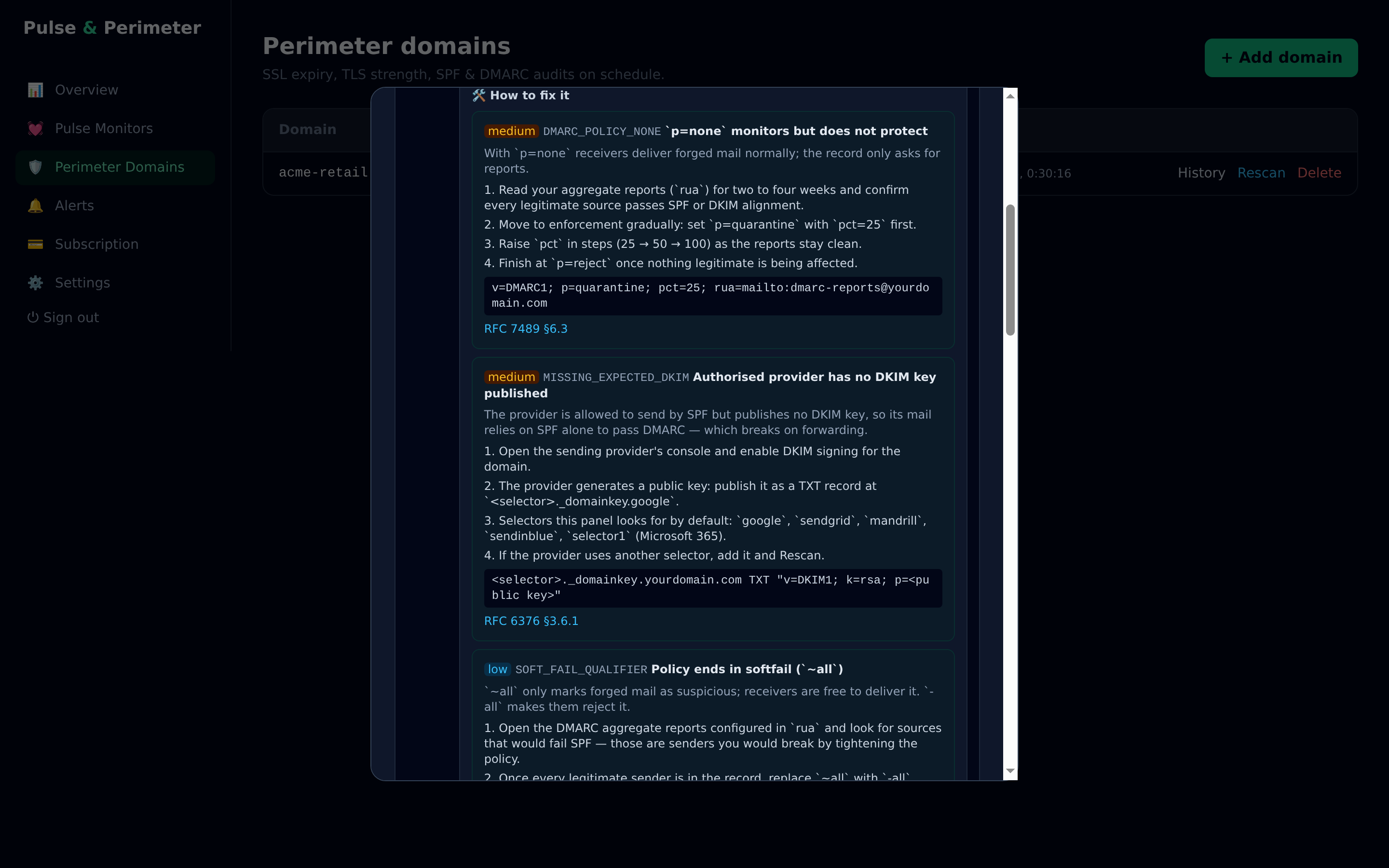
- medium — the policy works but does not protect (p=none, missing DKIM for an authorised sender).
- low — hardening (softfail instead of hardfail, pct below 100).
- info — context that affects reporting, such as external rua without authorisation.
Acting on a finding
Every finding expands into the same four things, in the order you would need them: why it matters (what the receiver does with the broken configuration), the ordered steps to fix it, the DNS record to publish when there is one, and the RFC section that backs the claim.
Scheduling
The interval is per domain, from 1 to 168 hours. Daily on the free plan, every 6 hours on Early Adopter. A manual Rescan queues immediately and does not disturb the schedule.