Pulse · 2026-09-18 · 6 min
The backup job that stopped at 03:12 and nobody noticed for nine days
A fictional but entirely ordinary agency story: the nightly backup silently died, the cron daemon stayed happy, and the first person to notice was a client asking for a restore.
This is a composite of the kind of failure we built Pulse for. Names and numbers are invented; the shape of the failure is not.
A four-person studio runs eleven client sites. One of them is a small e-commerce shop on a VPS. The nightly job dumps the database at 03:00, uploads it to object storage, rotates the last seven dumps and mails a summary. It has worked for two years. It is not monitored by anything except the fact that nobody has complained.
Day 1: the job starts failing quietly
The object-storage credentials are rotated by the provider as part of a security cycle. The upload step starts returning 403. The dump itself succeeds, so the cron entry exits 0 for the dump but the script's final `set -e` catches the upload and kills the run before rotation. The cron daemon sees a non-zero exit, mails root, and root's mail goes to an address nobody has read since the box was provisioned.
Nothing in the user-facing site breaks. Traffic is normal. Uptime is 100%. Every dashboard a hosting provider would show you is green, because the server is up. The thing that is broken is the thing that only matters on the day you need it.
Why uptime monitoring cannot see this
An uptime check asks a question — is this URL answering? — and it can only fail if the answer changes. A backup job that silently stops producing backups answers every uptime question correctly, because nothing it exposes has changed. The failure is an absence, and absence is invisible to a poller.
The inversion is a dead man's switch: instead of asking the job whether it is alive, you require it to say so. If the sentence does not arrive on time, that is the alert. It does not need to understand what the job does, which is why it works for dump scripts, report generators, sync jobs, invoice runs and anything else that only reveals itself when it is missing.
Day 9: the client asks for a restore
There is no dump from the last eight days. The provider's object storage has versioning, so the previous week survives — the studio gets lucky. The post-mortem has one line that matters: the alert existed, but it was an email to a mailbox nobody owned.
We were monitoring the server. The server was fine. We were never monitoring the backup. — the studio's technical lead, in the retrospective
Wiring it up takes one line
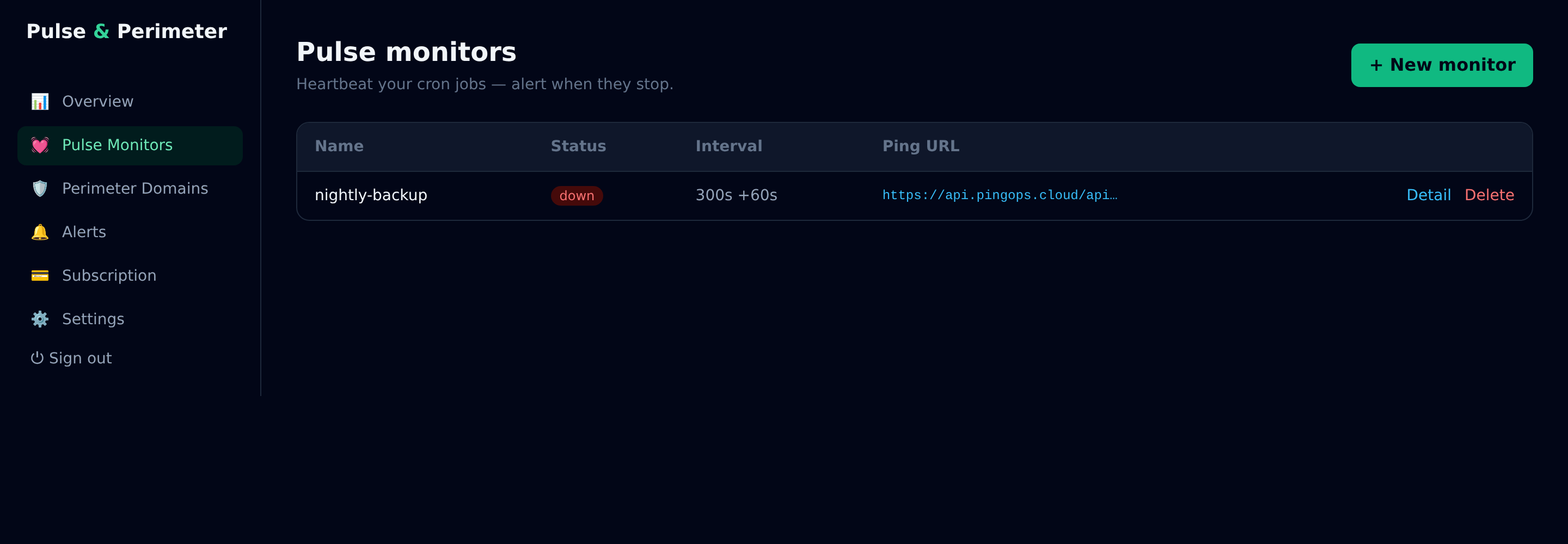
A monitor is a URL. The job pings it when it finishes; if the ping does not arrive within the interval plus the grace period, the monitor goes LATE and then DOWN and the alert fires through every channel configured on the account. No agent, no SDK, no daemon on the box.
# at the end of the nightly script, after rotation succeeds
curl -fsS --max-time 10 https://api.pingops.cloud/api/v1/ping/$PULSE_TOKEN > /dev/null
Two details make the difference between a monitor that helps and one that gets muted. The ping goes at the very end — after the upload and the rotation, not after the dump — so a half-finished job counts as a failure. And the grace period is set to the real jitter of the job rather than to zero, so a run that takes twenty extra minutes at month-end does not wake anyone up.
What to monitor first
- Backups — the one thing whose absence costs the most and shows the least.
- Anything that moves money: invoicing, payout reconciliation, subscription renewals.
- Nightly imports and syncs between systems, especially one-way ones.
- Certificate renewals — the job that renews is as important as the certificate itself.
Start with the job you would least like to discover has been dead for a week. It is almost never the web server.
Monitor the job before it disappears.
Start free — no card